Who it's for
Pre-seed through Series A B2B teams where signup outpaces activation, or products outgrowing their first UX and role model.

B2B SaaS product design + engineering
KRIVA designs and builds B2B SaaS products around activation, multi-tenant roles, admin workflows, dashboards, integrations, and the core job users return to complete.
Pre-seed through Series A B2B teams where signup outpaces activation, or products outgrowing their first UX and role model.
MVPs, onboarding paths, multi-tenant roles, admin workflows, dashboards, and integrations - the surfaces users touch from first login to daily use.
Empty dashboards, setup walls, role confusion, and integrations that stall before records arrive on the home screen.
KRIVA is an in-house product studio, not a template vendor. You own the design files and source code after launch.
Which page should I read? Start here for MVP scope, onboarding, and design-and-build. For live multi-tenant admin and customer UX, see SaaS product design. For research and flows without tenant scope, see Product design & UX.
Where SaaS products lose users
Most B2B products stall in the same three places: an empty home, a setup wall, or no shared definition of the outcome that proves the product.
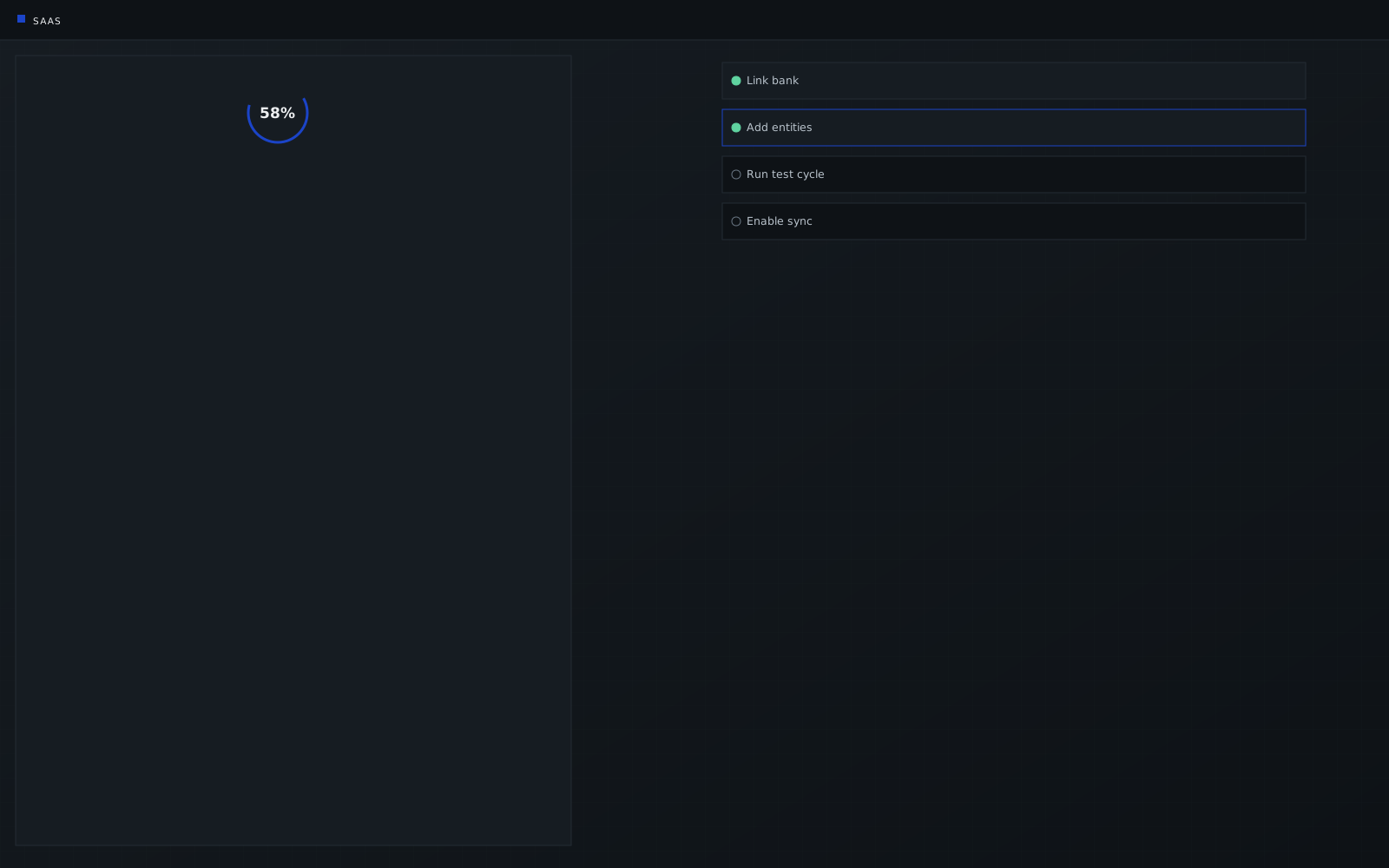
Users complete signup but reach an empty dashboard with no clear next action.ALSO: role confusion, stalled invites
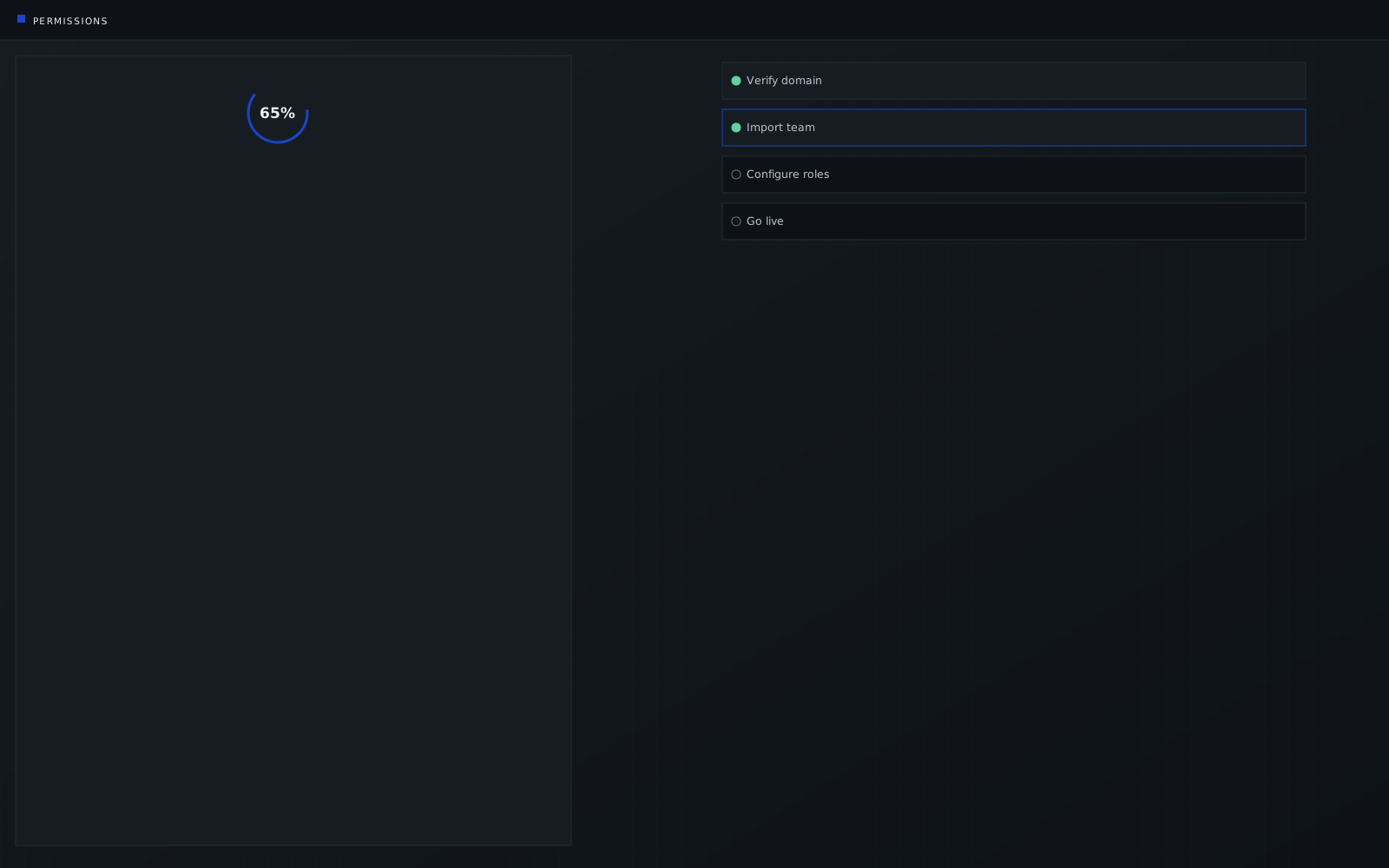
Permissions, configuration, and integrations block the first meaningful outcome.ALSO: connector stalls, feature overload
Product, growth, and design measure different events, so the first-run experience has no clear target.COST: tours replace the job users came to complete
Signup to daily use
Each stage has a user goal, a minimum of information, a main friction, a product response, and a success condition. The checklist turning green is not that condition.
Create an account, verify identity, and enter a named workspace - not a form wall before a tenant exists.
Land in a tenant they recognise, with context for what this workspace is for and what happens next.
Start work under a safe default permission. Defer the policy matrix until someone actually needs it.
Put real records in through one connect path with visible health. Optional sources can wait.
Complete the job they came for - one guided action that produces a real result, not a tour.
Return to exceptions and next actions on a role-specific home that supports the morning scan.
A finished setup is not automatically a used product. Name the activation event with product, growth, and design - before engineering starts. That event is what the path above is designed around.
What we build
MVP scope, onboarding, roles, and the daily home are one product, not four separate workstreams.
Define the smallest useful product around the main user job. Validate risky workflows before building. Avoid a feature-heavy first release.
Product design & UX →Progressive setup, role-based first runs, and empty states that point at one clear outcome - not a blank canvas or a tooltip tour.
Safe default permissions, invitations, and workspace access that stay understandable. Advanced controls wait until someone needs them.
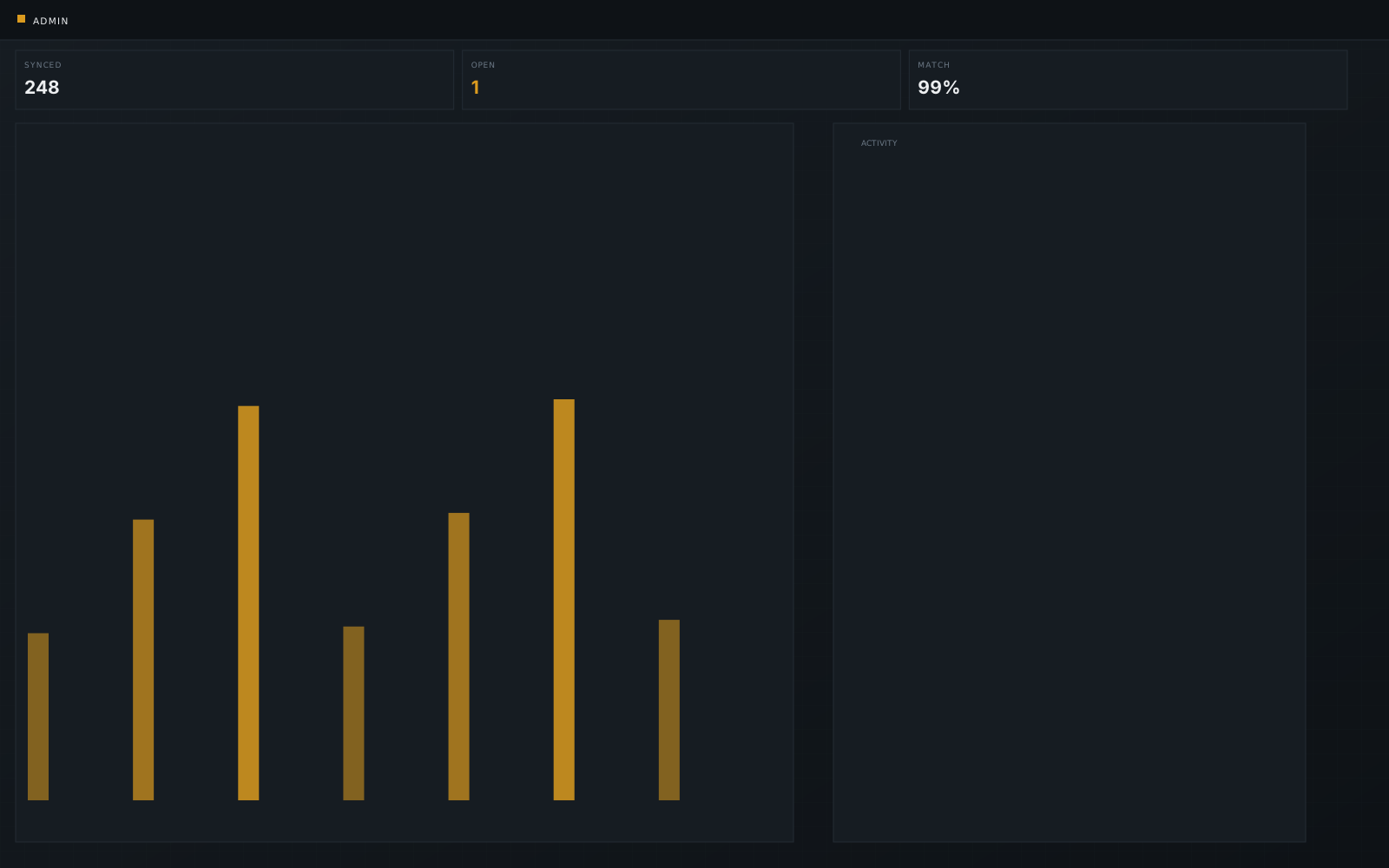
Exceptions and next actions first. Role-specific home views, integration-health visibility, and drill-down to supporting records.
Demo Illustrative product · no client data
How we work
The same team, a different brief. We will not claim guaranteed activation, retention, or growth.
For teams validating a focused workflow, technical feasibility, or demo-ready product. Some validation MVPs start on no-code / low-code before a custom build.
For products with users signing up but not reaching first value or returning consistently.
For products facing role complexity, admin sprawl, inconsistent UX, new modules, or integration growth.
Define the user, product job, and activation event. Document what we will not build.
Prototype onboarding, roles, core workflow, and edge cases before production code.
Build and instrument the product incrementally, with QA and events in the product.
Launch, document, and plan the next validated release against the same definition of used.
Not sure which stage fits? Share the onboarding flow, empty dashboard, or workflow users never finish. We will say if it is activation, UX, or build.
PayrollPro case study
Progressive onboarding and permission clarity for a UK & EU payroll platform. Published case study. No signed-off numeric outcomes are available.
Illustrative product frames on this page are demo data, not client records. Signed-off numeric outcomes appear only on ShiftRail.
CRMPulse - custom HubSpot pipeline views, stage definitions, and leadership dashboards for a B2B sales team. Illustrative interface. No signed-off numeric outcomes.
FAQ
Stage, redesign, design-only or design-and-build, roles, and ownership.
Yes. We work with pre-seed MVPs through Series A and later scaling products. Team size and engagement model follow stage and runway, not a fixed package.
Yes. Redesigns ship in phases so current users keep a working path. We typically start with onboarding, roles, or the daily home rather than a full visual restyle.
Yes. Many teams start with product design and extend into engineering with the same in-house team. You choose the model.
Yes. We name the user, the product job, and the event that means the product has been used - before screens. A finished setup is not treated as that event.
Yes. Safe default permissions, invitations, workspace access, and admin controls that stay understandable when SSO and policy arrive.
You do. Design files and source code transfer to your accounts. KRIVA does not subcontract; the team on the first call is the team that designs and builds.
This page is the full solution brief - MVP through integrations. SaaS Product Design owns live multi-tenant admin and customer UX when the product already ships.
Start a conversation
Share the onboarding, empty state, role setup, or workflow users never finish. We will say if it is activation, UX, or build.
Reply within one business day NDA available No obligation
We will reply within one business day. If you still need a longer brief or a scheduled call, use the contact page.