Who it's for
Ops and support teams drowning in the same steps every shift. Teams who already know the repeatable work, and need a person on anything that reaches a customer or the ledger.

Business process automation
Business process automation for the loops your team repeats. Map the work, then put a person on the step that must not go out wrong.
Ops and support teams drowning in the same steps every shift. Teams who already know the repeatable work, and need a person on anything that reaches a customer or the ledger.
Workflow map, Make or Zapier (or custom), human approval on send, and monitoring so failed runs return to a queue. Audit, build, gates, fallback - owned end to end.
Idempotent APIs live under Integrations. Month-end reconciliation lives on QuickBooks & Xero. Using AI to design and build product lives under AI-Assisted Development.
Kriva maps the loop first, then automates with a human on send. You own the scenarios, docs, and monitoring after launch.
Automation problems
The same triage, routing, and draft work burns every shift - but nobody trusts auto-send on customer-facing steps.COST: operator fatigue, inconsistent replies, no audit trail

Drafts exist in tools, but send still needs judgment on billing, access, and ledger-facing steps.COST: wrong replies shipped, finance corrections, customer escalations

Failed runs disappear into logs. Operators find out when a customer complains or an invoice never fires.COST: missed SLAs, manual catch-up, brittle one-person Zaps

The loop
We write the loop as it actually runs - including the spreadsheet and the Slack ping - before we automate it.
Document the real handoffs: what fires the run, which system owns the record, and where operators already intervene.
Customer-facing or ledger-facing steps get a review gate. Internal triage can run darker, with confidence thresholds and fallback.
Docs, rollback, and who changes the scenario. The workflow does not remain a KRIVA black box.
Platforms
The engagement starts with the loop, not the logo. We pick the platform that fits volume, gates, and who owns it after launch.
Default when volume, connectors, and review gates fit inside the iPaaS. Fast to iterate, clear scenario ownership for your team.
When the platform is the bottleneck, volume is too high, or the gate needs a console the iPaaS cannot host.
Approve and Hold are first-class. Failed runs return to a queue - not a log file nobody checks.
SupportAI case study
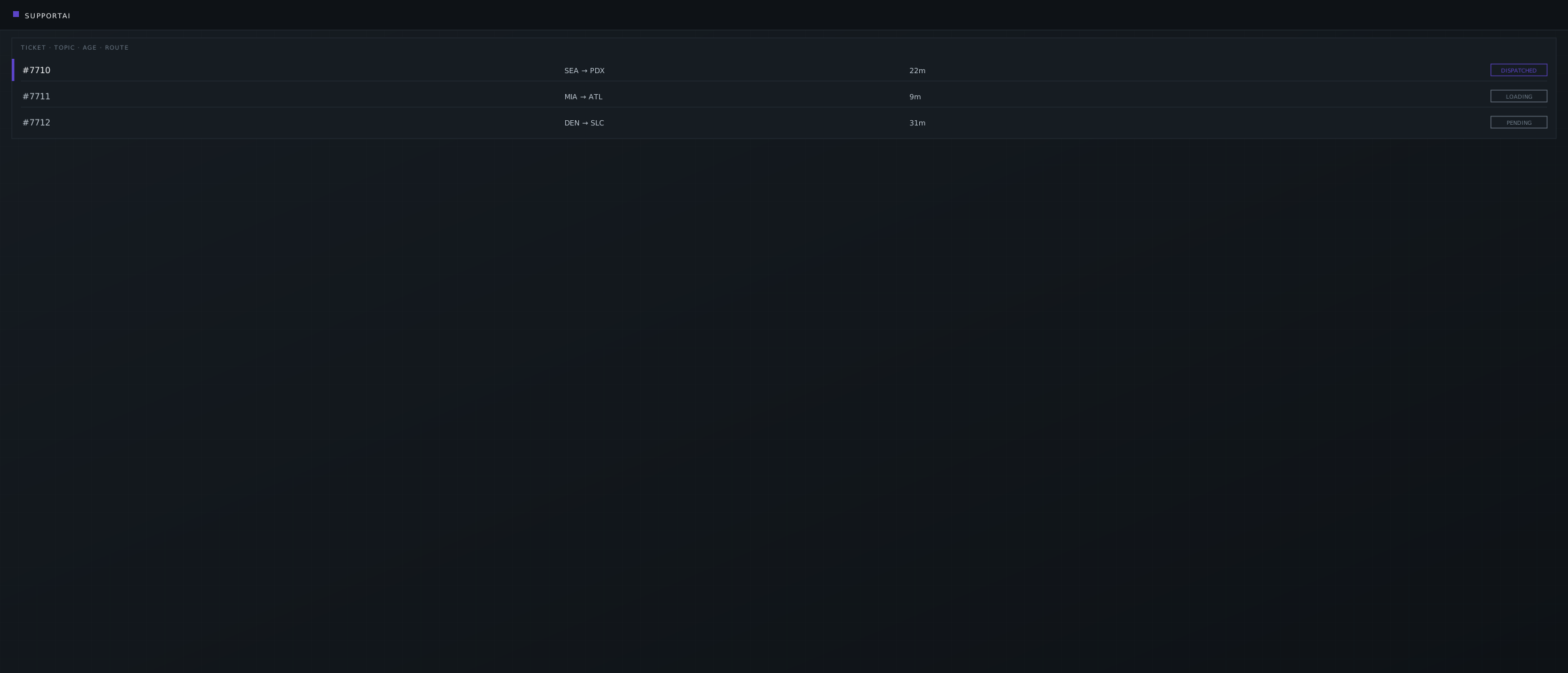
Support burned shifts on the same billing and access tickets. Assisted drafts land in a review queue - nothing customer-facing leaves without a person on the gate.
Illustrative UI pattern from the SupportAI case. Client names and identifying details may be changed for confidentiality.
Connected capabilities
Automation owns the queue. These services own the connectors, ledger writes, and product surfaces around it.

 QuickBooks & Xero
FAQ
Asked most often before a first call when the brief mixes Make, Zapier, and a person on send.
Only after a human approves the draft. Auto-send on billing, access, or ledger-facing steps is out of scope - see SupportAI for the human-gated pattern.
Make and Zapier are the default when they fit. We write custom workers when the platform is the bottleneck, the volume is too high, or the gate needs a console the iPaaS cannot host. The engagement starts with the loop, not the logo.
Automation owns the queue: triggers, human gates, and fallback. Integrations owns connector architecture, idempotency, webhooks, and error surfaces. Use this page when a person is still in the loop on send. Use Integrations when two systems must stay in agreement without a nightly spreadsheet.
AI-Assisted Development is how KRIVA ships design and code faster. This service is the customer's ops queue: ticket triage, drafts, invoice triggers, with a human on send. We may use an LLM inside a Make scenario. That is not the same as using AI to build your product.
Yes. We chain LLM steps into Make or custom workers for summarization, routing, and draft generation, with approval gates throughout. Low-confidence output falls back to a person. Nothing customer-facing sends on its own.
Automation owns the trigger and the gate. The write into QuickBooks Online or Xero uses the original APIs under QuickBooks & Xero integrations, not a CSV export after the run. We pair the two services when the queue and the ledger both matter.
Your team. We leave a map, named scenarios, monitoring, and a fallback queue so the pipeline survives the original builder. Maintenance can stay in-house, or we can retain a light ops retainer if you ask for it.
Start a conversation
Tell us about the triage queue, invoice trigger, or draft-and-send loop that still needs a person on the gate. We'll map the workflow and recommend Make, Zapier, or custom - no RFP required.
Reply within one business day NDA available No obligation
We will reply within one business day. If you still need a longer brief or a scheduled call, use the contact page.